

Notes are properties that may be imported, added individually, edited, and exported along with Locations and Stops. Notes are useful for including extra customer data e.g. contact name, preferred products etc. Up to five note fields are allowed. Adding columns for Notes to the import Excel/CSV will include additional note fields in the Locations.
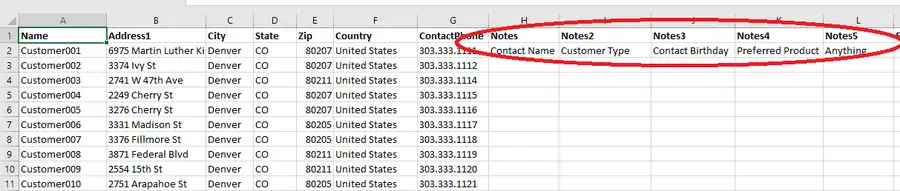
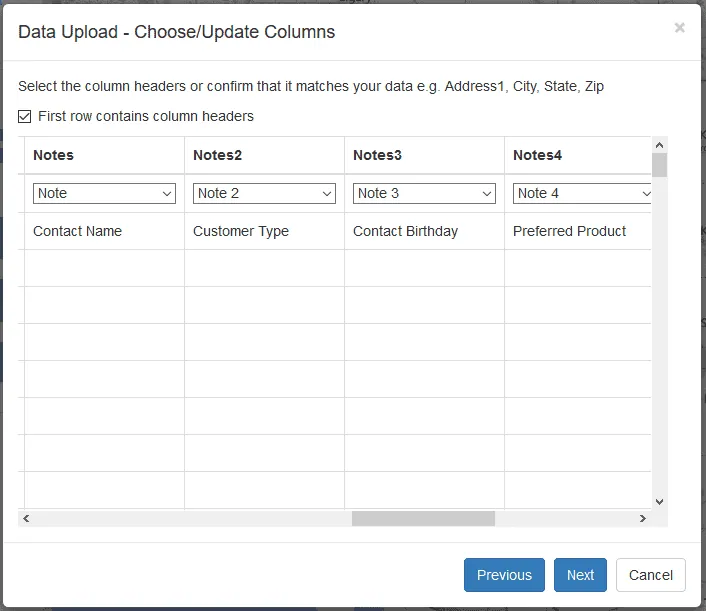
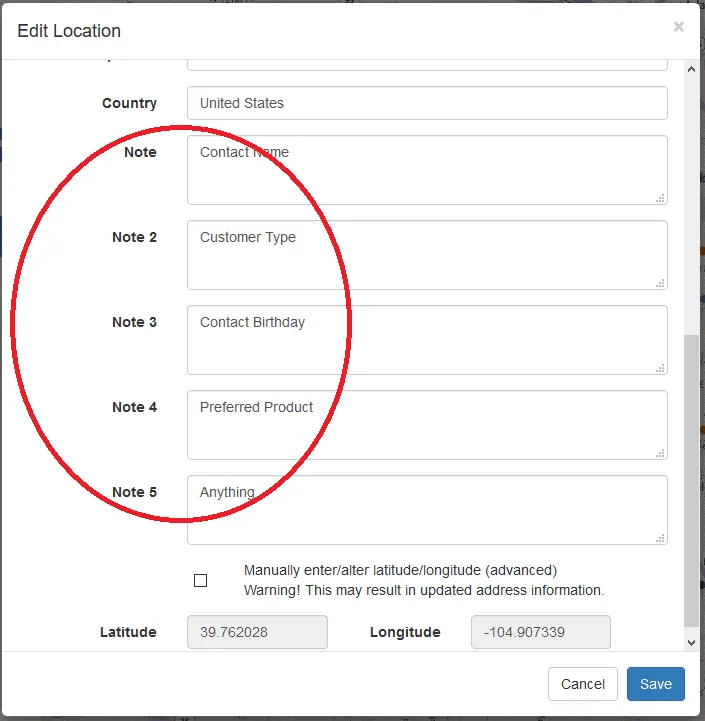
Note properties are accessible in the Add Location and Edit Location dialog windows.
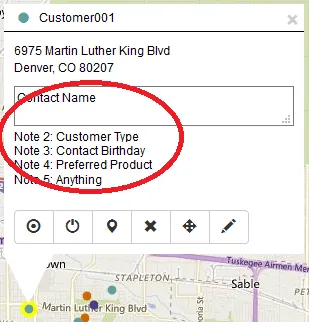
Notes are viewed in the Location and Stop properties windows and the Infoboxes
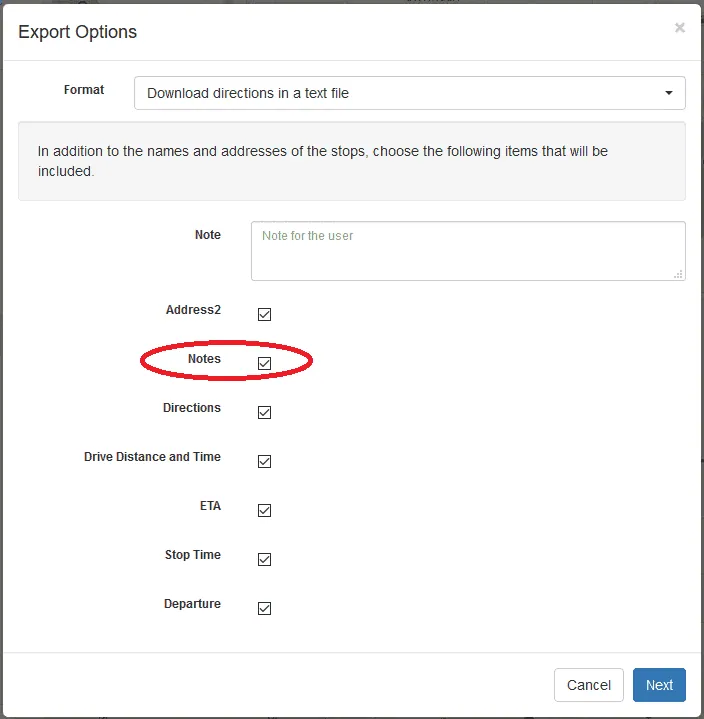
Notes can be included in Print, Export & Mobile options by selecting the Notes checkbox.
If you have questions contact RouteSavvy Support.